About Us

WagePunch is the employee hours tracker built to help businesses manage employee time tracking, attendance, payroll reporting, and workforce productivity.

Robert Alfonso

Founder and President of AppsoftUS Email: rob@appsoft.us

Mirelis Aguilar

Founder and Vice President of AppsoftUS
Email: mirelis@appsoft.us

Our Mission

Since 2012, we’ve been helping businesses simplify employee time tracking through a reliable employee hours tracker designed for workforce management and labor cost control.

With our newest product, WagePunch, we’ve built on that experience to create a faster, smarter, more reliable, and polished premium solution — without the premium price tag.

We believe small businesses deserve better options and shouldn’t be forced into overpriced, one-size-fits-all solutions from giant corporations. Our philosophy is simple: do it better and do it more affordably.

From the very beginning, our goal with WagePunch was to deliver a superior employee time tracking platform while keeping pricing fair and accessible for small businesses. We think you will notice the difference.

If you have any questions or concerns, you can always reach out directly to the President or Vice President and receive a personal response.

Years helping businesses track time
0 +
Direct response from founders
0 %
Never hidden fees
0 $
Free trial, full access, no card
0 d

Why Choose Us

Since 2012, our employee hours tracker has helped businesses streamline employee time tracking, improve workforce management, and reduce labor costs.

Choose us for a reliable partner in achieving operational efficiency.

Affordability and transparency

Premium features, honest pricing. Premium employee tracking without the premium price tag

Real-time location control

GPS tracking and geofencing. Know exactly where and when your team clocks in every time

Payroll-ready reporting

Timesheets that sync with QuickBooks. From time tracking to payroll in a fraction of the usual time

Built for any team size

From 2 employees to 200. Scales with your business from your first hire to your hundredth

Moving Forward

WagePunch is more than just a time clock—it’s a complete employee hours tracker and workforce management solution.

We’re committed to continuously improving our platform, adding new features that matter, and keeping your business running smoothly. Whether you’re a small business owner or managing multiple teams across locations, WagePunch makes every punch count. https://www.wagepunch.net/pricing/

Check out what
our customers have to say

Frequently Asked Questions

Find answers to common questions about our employee time tracking software. Learn how WagePunch helps businesses manage attendance tracking, payroll reporting, mobile time clocks, employee scheduling, and workforce productivity.

By default, the 40-hour workweek starts on Sunday and ends on Saturday. However, you can customize the start and end days to match your company’s requirements. To make changes, go to the Company Profile settings, where these options are available.

Yes, you can track employee time in either Hours & Minutes or Decimal Time in WagePunch using the “View Time As” option within the timesheet.


What is “View Time As”?
This setting controls how employee time is displayed in timesheets:

  • Hours & Minutes
  • Decimal Hours

Where can I change it?
In the timesheet (web or mobile), use the “View Time As” option.


What’s the difference?

  • Hours & Minutes = Exact time (no rounding)
    Example: 8:37
  • Decimal Hours = Rounded time displayed in decimal format
    Example: 8.62

Is time stored differently based on this setting?
No. Time is always stored accurately. This setting only changes how time is displayed.


Which option should I use?

  • Use Hours & Minutes for exact time tracking.
  • Use Decimal Hours if you prefer rounded values for payroll or reporting.

Is one option more compliant?
Hours & Minutes generally aligns better with IRS preferences for accurate time tracking.


Can I switch between them at any time?
Yes, you can change the setting whenever needed.


Does this work on both web and mobile?
Yes, the “View Time As” option is available on both the web and mobile versions of WagePunch.

All of your employees are upgraded to the Pro package. Every employee gains access to the full set of Pro features and benefits, regardless of their position in the employee count. Once the upgrade is applied, your entire team will be covered under the Pro plan and billed according to the Pro pricing structure.

You can easily connect your WagePunch employee data to QuickBooks Online. To set up the connection, you will need:

  • A valid QuickBooks Essentials subscription
  • A valid QuickBooks Online Payroll Core subscription

How do I connect my accounts?
You only need to connect your WagePunch and QuickBooks accounts once. To do this, click the “Manage Accounting” button located at the top of your WagePunch web portal dashboard and follow the connection process.

Can I connect my accounts through the mobile app?
No. The connection can only be established through the WagePunch website and is not available in the mobile apps.

Who can access the “Manage Accounting” button?
You must be logged in as the main account user to view and access the “Manage Accounting” button.

Do I need to reconnect my accounts regularly?
No. Once the connection has been successfully established, it remains active unless it is manually disconnected or reconfigured.

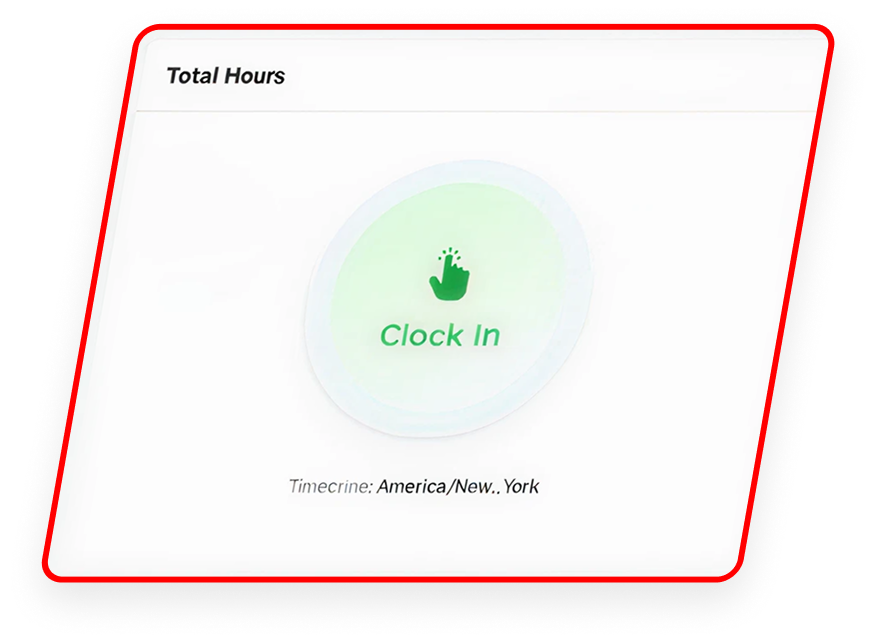
WagePunch allows employees to clock in and clock out even when no internet connection is available. Any punches recorded while offline are securely cached on the device and automatically transmitted once an internet connection is restored.

To ensure uninterrupted use, employees should remain logged into the app, as logging in requires an active internet connection. For employees who frequently work in areas with limited connectivity, it is recommended that they log in before entering those areas.

WagePunch performs full system backups twice daily, at approximately 11:00 AM US-EST and 10:00 PM US-EST. These backups are intended solely to protect against catastrophic system failures and are not designed to recover customer data that was modified or deleted days earlier. System-wide restores are only performed in extreme circumstances as a last resort.

Customers are responsible for maintaining their own backups of employee and operational data. WagePunch provides data export tools within both the web portal and mobile applications, allowing businesses to regularly download and archive their records to meet compliance, labor, and audit requirements.

Your data is hosted in an enterprise-grade, hurricane-resistant Category 5 data center that maintains HIPAA, SSAE-16, SOC 2 Type II, and NIST compliance standards. While WagePunch takes extensive measures to ensure system reliability and data integrity, customers should maintain independent backups of all critical business data.

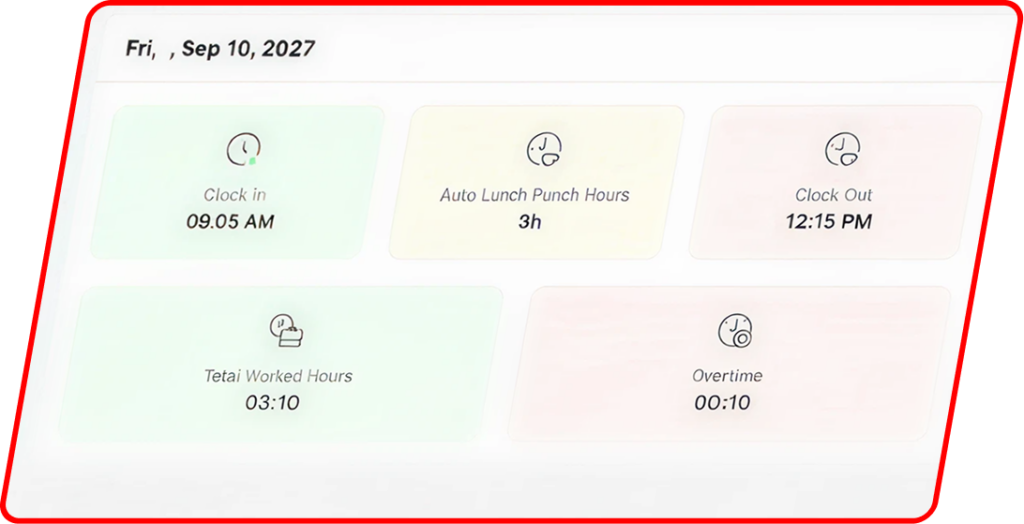
This is expected behavior and is not an error. In the timesheet view, WagePunch only displays a collapsed weekly summary row for employees who reach 40 or more working hours during the selected week. The summary row is primarily used to highlight overtime calculations.

Does this mean hours are missing?
No. Employees who work fewer than 40 hours will have their time displayed as individual daily entries instead of a weekly summary row. All hours, earnings, and calculations are still included and processed correctly.

Why is the summary row only shown for employees with 40 or more hours?
The weekly summary row is designed to emphasize overtime totals. If an employee has not reached the overtime threshold, there is no overtime information to summarize in that row.

How can I view totals for an employee who worked less than 40 hours?
Use the employee filter in the top-left corner of the timesheet and select the employee you want to review. The summary bar at the top of the page will display that employee’s total working hours, overtime hours (if applicable), and total earnings for the selected date range.

Are these totals the same as those shown in the weekly summary row?
Yes. The totals displayed in the summary bar are the same values that would otherwise appear in a weekly summary row.

Download WagePunch Mobile App

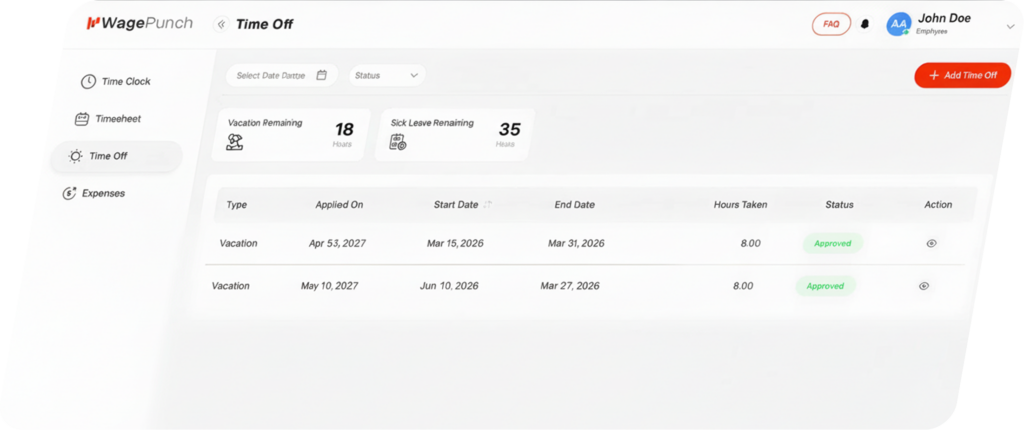
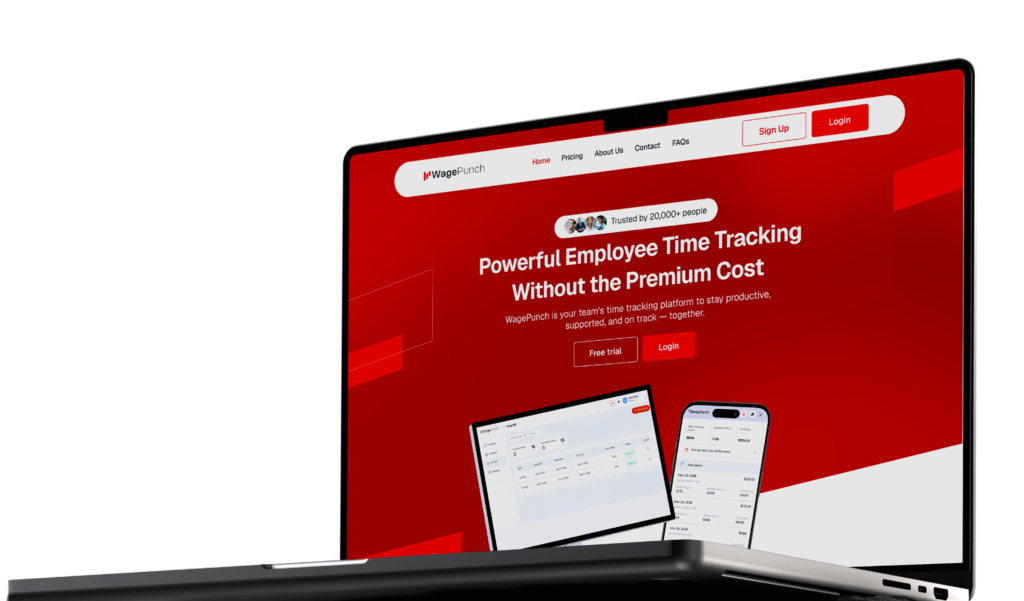
Manage your workforce on the go! The WagePunch mobile app lets you track attendance, manage shifts, and approve leaves—all from your smartphone.

For iOS

iOS 15.6+

Employee time tracking software mobile app

For Android

Android 8.0+

Employee time tracking software mobile app